


How to Set Up a Dual-Screen Workspace Anywhere
2026-04-24 21:13:54
How to Set Up a Dual-Screen Workspace Anywhere
Want to boost your productivity instantly? A dual-screen setup is one of the easiest ways.
Step 1: Choose a Portable Monitor
Pick a lightweight monitor with USB-C support.
Step 2: Connect Your Device
Simply plug in the cable. No drivers needed.
Step 3: Extend Your Screen
Go to your system settings and select “Extend Display”.
Step 4: Optimize Your Workflow
- Main screen: work
- Second screen: browser, notes, tools
Why It Works
Less switching, more focus, faster work.
Final Thoughts
You don’t need a big office setup. A portable monitor is enough.
👉 Start your dual-screen setup today.
Related Products
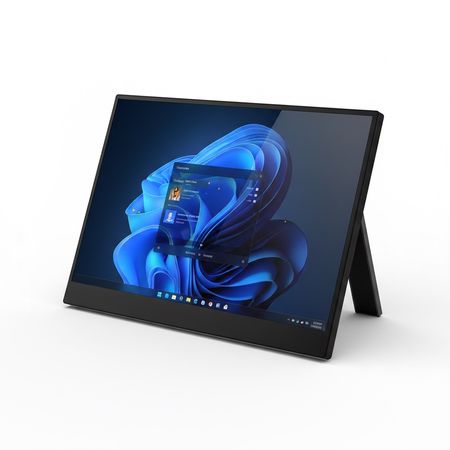
11.6 Inch Portable Monitor - Compact HD Travel Display with Stand, Mini HDMI and USB-C
A lightweight 11.6-inch portable monitor for
- $79.00
-
$129.00 - $79.00